
The Verification Badge confirms to visitors of your website: your company has been checked and is listed as a trustworthy provider. The “Verification Badges” page tells you whether you have it yet and lets you download the badge as an image file.
At a glance
Where: in the dashboard under Marketing > Verification Badges.
Subscription: The page has no subscription lock. The badge depends on the review of your profile.
Unlocking: as soon as Feedbax has reviewed your company profile and confirmed it as verified. A well-maintained profile is required.
Format: an image file in five languages. There is no embed code.
Score: The verification affects your score, the badge itself does not.
How it works
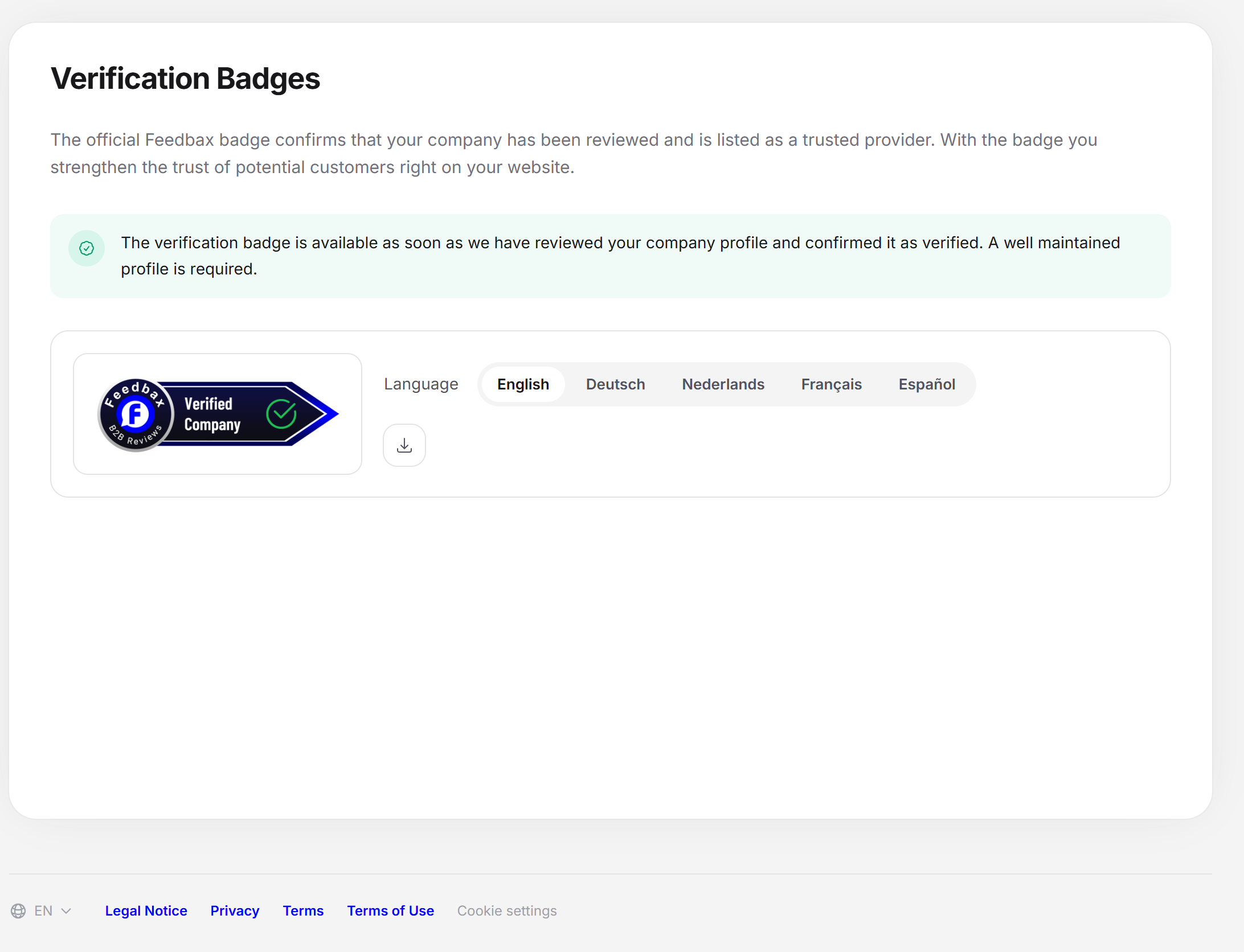
There is a short introduction at the top: the official Feedbax badge confirms that your company has been checked and is listed as a trustworthy provider. With the badge, you strengthen the trust of potential customers right on your website. Below it, the page shows one of two states.
State 1: badge not unlocked
If your profile is not verified yet, a note appears with a lock and the heading “Badge not unlocked”. Below it says: the Verification Badge is available to you as soon as Feedbax has reviewed your company profile and confirmed it as verified. A well-maintained profile is required. Badge image and download are not visible in this state.
What your profile needs for approval is explained in What your profile needs for approval.
State 2: badge unlocked
If your profile is verified, a green note appears and below it the card with the badge:
Badge image: on a light frame, because the badge is drawn for light pages.
Language: A row of buttons with English, Deutsch, Nederlands, Français or Español. The preset is the language of your dashboard interface.
Download badge: downloads the badge image of the chosen language as a PNG file. The file name contains the language.
The download is noted at Feedbax.
Using the badge on your website
In the dashboard, open Marketing > Verification Badges.
Choose the language that fits your website.
Click “Download badge”.
Place the file where you want it on your website, for example in the footer or on the contact page.
Effect on the Feedbax score
The badge itself does not change your score, and its download does not count for the widget bonus. The verification behind it, on the other hand, has a strong effect: a profile that is not verified loses 100 points on the Delivery score. In addition, in the Ranking with the preset sorting “Verified first”, a verified provider ranks ahead of the unverified ones. More in What is the Feedbax score?.
Frequently asked questions
How do I get the Verification Badge?
By having your company profile reviewed and confirmed as verified. For that, your profile must be well maintained, see What your profile needs for approval.
Can I apply for verification?
There is no button for it on this page. What your profile needs is explained in What your profile needs for approval.
Why do I see “Badge not unlocked”?
Your profile has not been confirmed as verified yet. Check under Company details, Services and Portfolio whether your profile is complete.
Is there an embed code?
No. The Verification Badge is available as an image file.
In which languages is the badge available?
English, Deutsch, Nederlands, Français and Español.
What is the difference from the Top Rated Badge?
The Verification Badge confirms the review of your profile. The Top Rated Badge shows good reviews.