

The tenders area is open. You can browse the list, open tenders and read the analyses without a subscription and even without signing in.
What you get without a subscription is an anonymized version: the same analysis, but without the details that would identify the tender, and with shortened lists.
This article draws the line precisely.
Without signing in
You see the complete list of every prepared tender. Per card: tender number, title, short summary, requested services, deadline with its urgency color, procedure type and contract value.
You can open every tender and read the anonymized analysis.
Clicking the bell, the heart, a filter or the search box opens the sign-in dialog.
Signed in, without a subscription
On top of that you can favorite. The heart is free and open to any signed-in provider. From the first favorite onwards, the Favorites only switch appears in the filter bar as well.
Everything else stays locked.
What the anonymized version leaves out
The anonymized version is built so you can judge the content without being able to tell which tender it is.
Removed or coarsened:
The buyer. Instead of name and address there is only the sector and a rough region.
File references, project numbers, addresses, contacts and web addresses.
The contract value is rounded.
The deadlines are coarsened. The exact deadline date in the header card is missing; the remaining time stays.
The document list is dropped from the analysis entirely, because file names are identifying.
Where exactly it is cut off
Inside the analysis you see the beginnings of the lists:
Section | visible without a subscription |
--- | --- |
Requirements | the first 3 |
Required evidence | the first 3 |
Bidder questions | the first 2 |
Documents | 2, one of them as a highlighted preview |
Below each sits how many more there are, together with the invitation to unlock. The number in the heading is the real one: if it says "26 files", the tender has 26 files.
Without a subscription you also lack:
Numeric values in the match section. Services appear, but without relevance scores.
The document search.
The Go to procurement platform link and the link to the bidder questions at the source.
The promotional card at the end
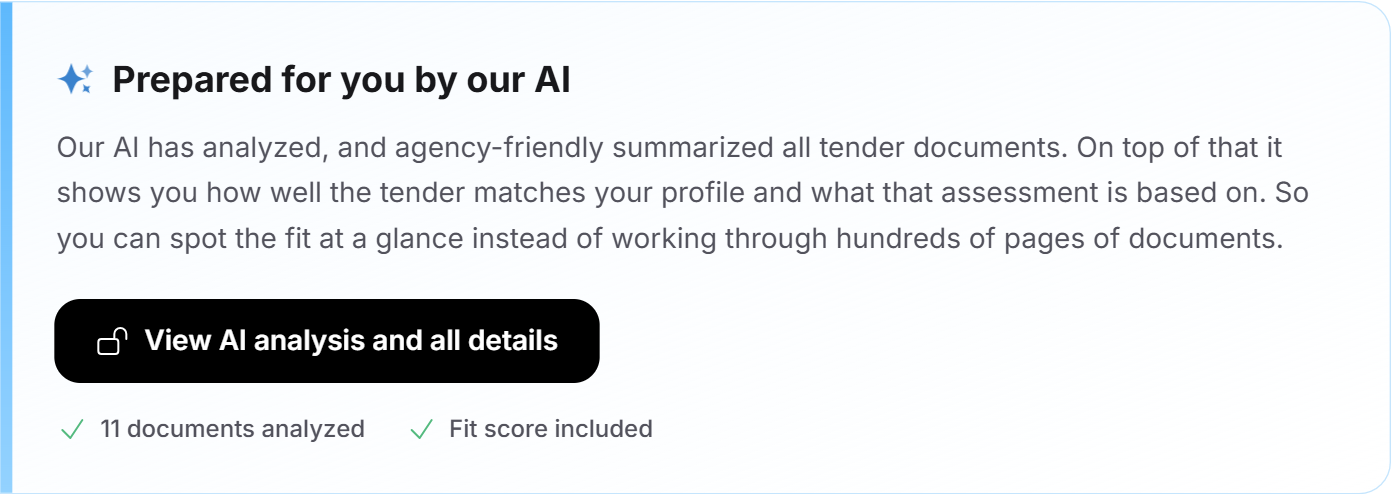
Below the analysis sits a blue box headed Prepared for you by our AI. It explains what the subscription unlocks and names two figures: how many documents were analyzed for this tender, and that the fit score is included. Below that, the unlock button.
The four locked features
Search and filters
The search box is read-only, and a click on a filter value opens the pricing overview. The list stays fully visible; it just cannot be narrowed down.
Removing a set filter is never gated. Only setting one is.
The fit filter is the only one that is not gated. It appears only once fit data exists, and that exists only with a subscription.
Following
Without a subscription the bell leads to the pricing overview. That also removes every change notification. See Favorites and following tenders.
The tender fit
The fit tile and the Check tender fit button stay visible but lead to the pricing overview. Without a subscription, no analysis is created.
The jump to the source
Without a subscription the direct link to the procurement platform is missing. You can of course search for the tender there yourself, but the anonymized version deliberately gives you nothing that would make it easy.
Who the free access is enough for
Honestly answered:
You want to judge whether the topic is worth it for you. It serves that well. Over a few weeks you see what is being tendered in your field, in which orders of magnitude and under which procedures.
You want to watch the market. It serves that too, if you go through the list regularly.
You want to actually take part in procedures. It does not serve that. Without the deadline, the buyer, the full requirements, the evidence list and the jump to the platform, you cannot prepare a bid.
What the subscription changes in practice
The difference is not the amount of information but its usability:
"A buyer in the education sector" becomes a name you can research.
"In 21 days" becomes a date and time you put in your calendar.
Three requirements become the full list you check your eligibility against.
One document preview becomes 26 prepared files with key points.
A hunch becomes a score with a rationale.
Both routes to the subscription are in Tender Access: booking, managing, cancelling.
Signed-in buyers
Buyers signed in to Feedbax see the list and the anonymized analyses, but neither the heart nor the bell nor the tender fit. Those are provider features. If a buyer clicks unlock, a note appears stating that the feature is reserved for providers.
Frequently asked questions
Do I have to sign in to see tenders?
No. The list and the anonymized analyses are visible without signing in.
Can I favorite without a subscription?
Yes, as soon as you are signed in. Favorites are free.
Why can I not see the buyer?
Because the version without a subscription is anonymized. The buyer is the detail that identifies a tender most easily, so it is coarsened to sector and region.
Is the anonymized analysis factually wrong?
No. It is shortened and coarsened but not altered. What it says is correct.
Why does it say "26 files" when I only see two?
Because the figure states the real count. The two visible ones are the preview; the rest you unlock with the subscription.
Can I find the tender myself from the preview details?
Possible, but laborious. That is precisely the purpose of the anonymization.
Do I get emails about new tenders without a subscription?
The bundled newsletter about new tenders goes to matching providers regardless of a subscription. The change notifications on individual tenders, by contrast, require following, and that is part of the subscription. See Emails about tenders.