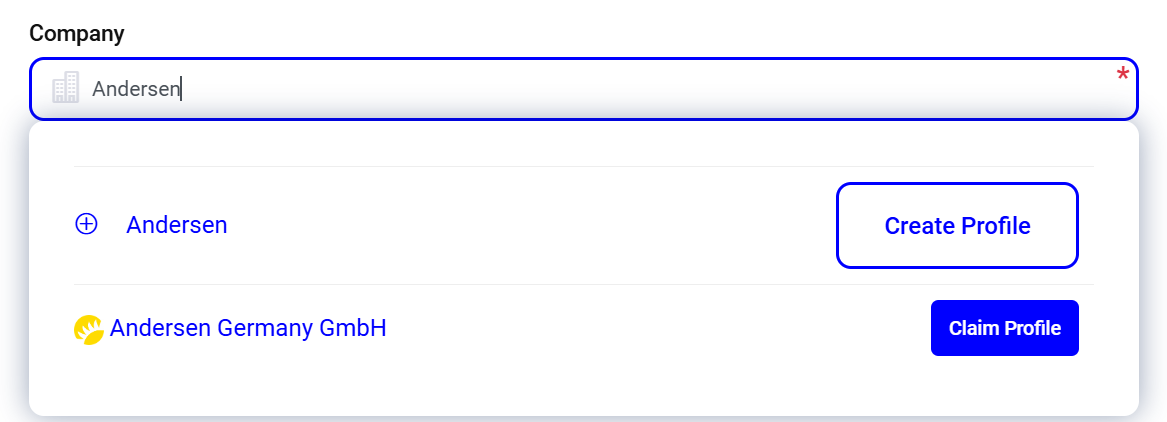
Create a new company profile
To register your company on Feedbax or to take over an existing company profile, please visit the following page:
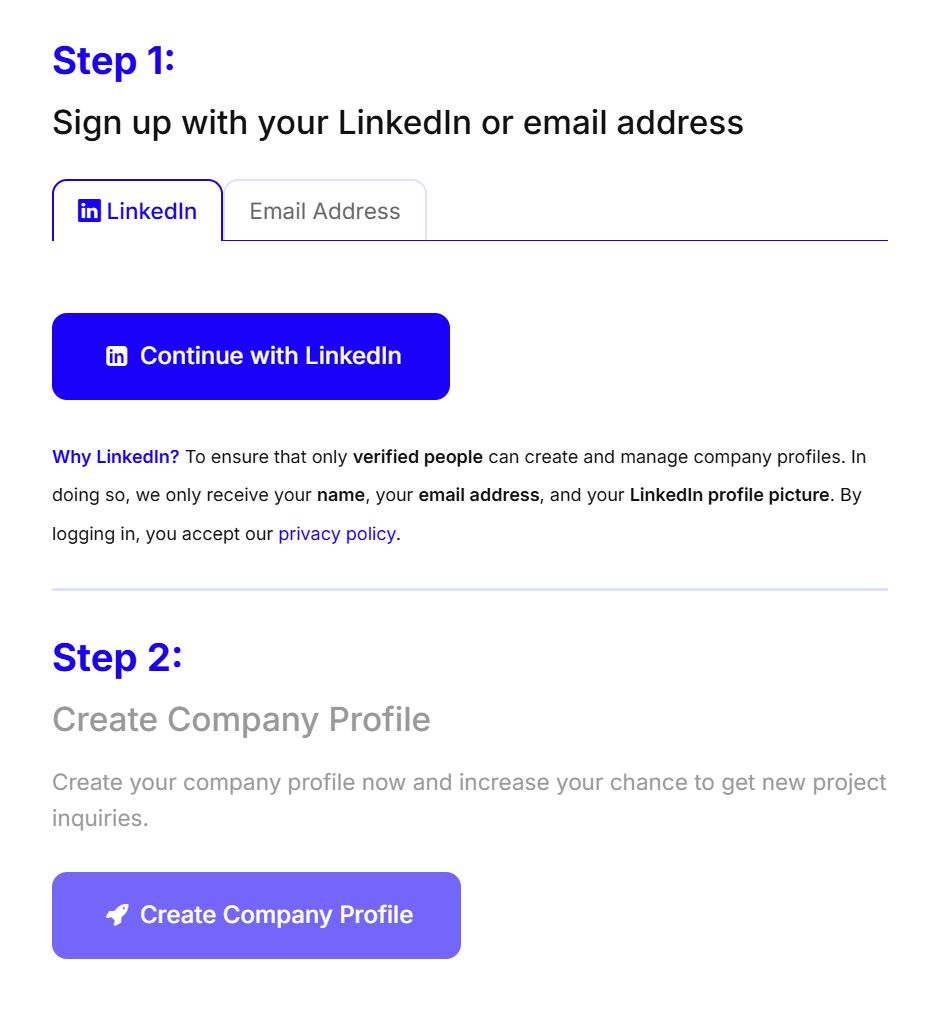
Then click on the “Sign in with LinkedIn” button to sign in with your LinkedIn account.
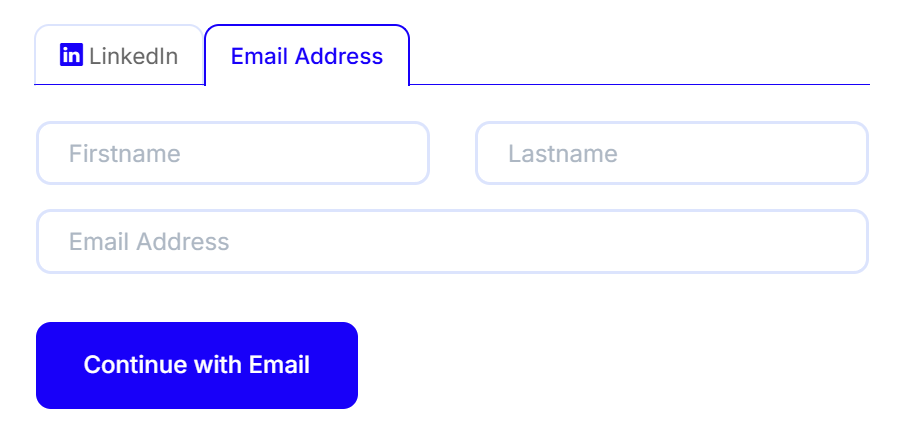
You can also register using your business email address. Simply select the "Email Address" tab and enter your name along with your business email.
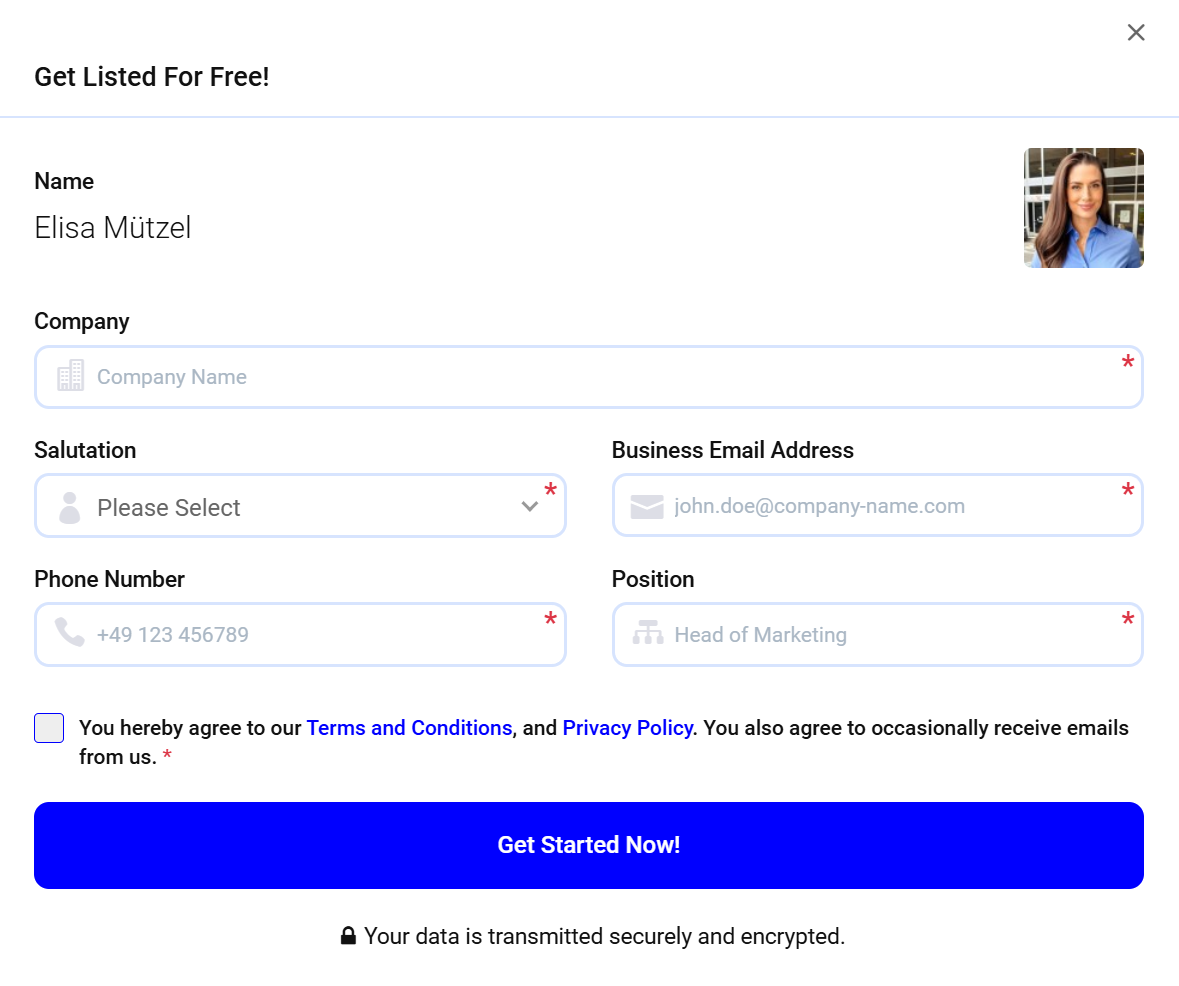
After successfully logging in, please click on the “Create company profile” button. Fill out the registration form and then click on the “Get Started Now!” button.
Claim existing company profile
If your company is already listed on Feedbax, you can simply take it over. To do so, enter the company name and select your company from the list: