
To receive notifications of our project requests, your company profile must be completed with the appropriate services and focus.
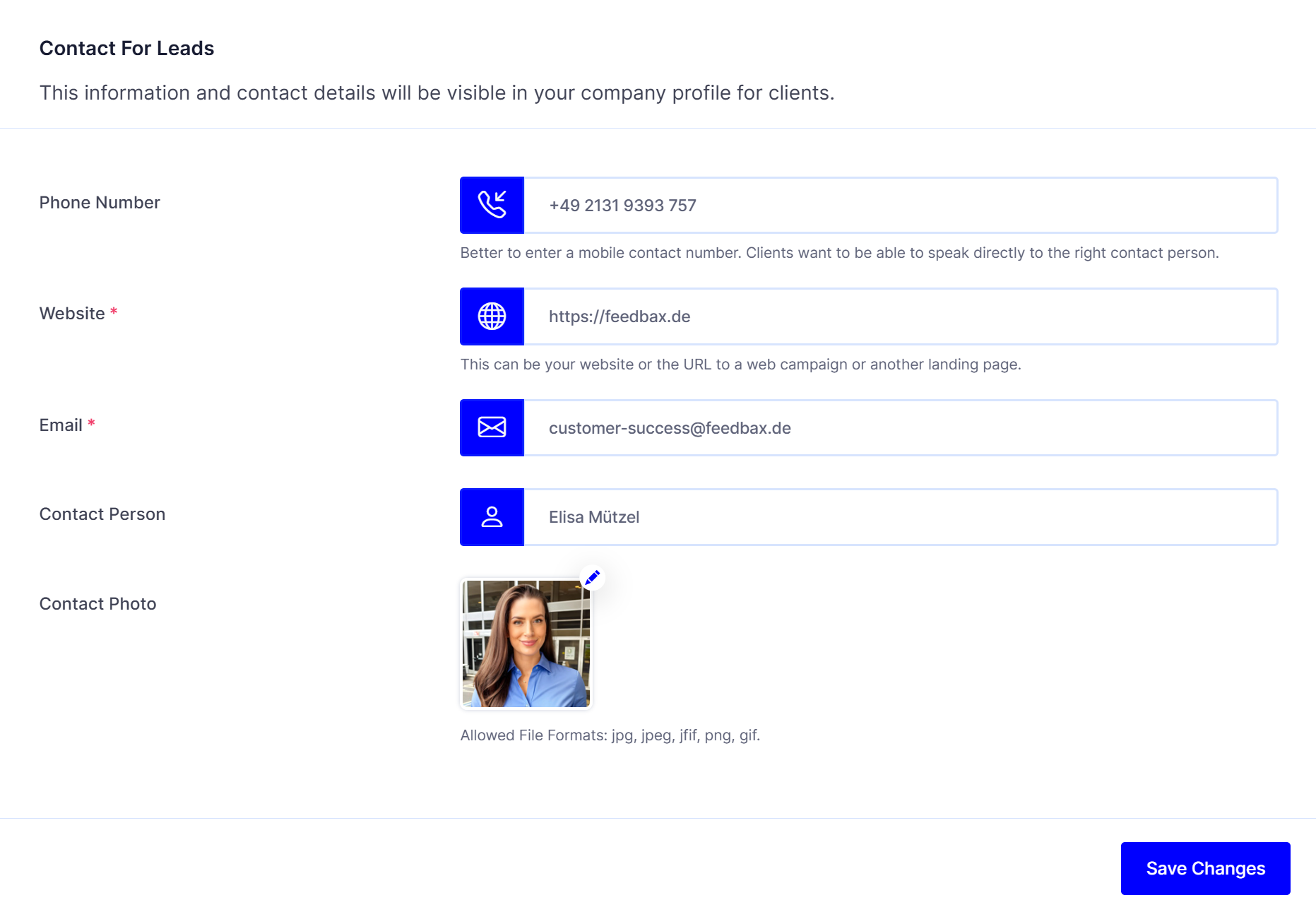
In addition, it is important that your contact details are stored for receiving project requests. To do this, log in to the dashboard and go to the following page:
Company profile > Contact for leads
Notifications of new project requests go to the email address of your main contact. That is the contact with the heading Main contact. Other contacts you create there do not receive these emails. How to create contacts and change the main contact is described in Contact for leads: contact persons and CTA.