

The top company badge is the only Feedbax badge tied to a single directory. It does not say "this company is good", it says "in this category this company is among the best 20".
That is also why you can hold several at once, one per directory you qualify in.
You will find them in the dashboard under Marketing > Top Company Badges.
The five conditions
The top 20 is only the last step. Before it, Feedbax checks four more things per directory. All five have to be met:
At least 10 percent share in that directory. The matching service or focus area in your profile has to be weighted at at least 10 percent. If your service sits at 5 percent you are out for that directory, however good your score is. Set under Profile > Services.
Profile published and website stored. Both belong to profile approval, see What your profile needs for approval.
More than 5 reviews. In practice that means from the sixth review on. Five are not enough.
At least one matching case study. Matching means the case study has to be assigned to the service or focus area of that directory. A case study from another area does not count for this directory.
Top 20 by directory score. Only once the four points above are right do you enter the ranking at all. There the remaining companies are sorted by their Feedbax score for that directory, and the first 20 get the badge.
That is the point most people get wrong: a very good score alone is not enough. If a matching case study is missing or the service sits below 10 percent, you never even show up in the ranking.
What is on the page
For every directory you are in principle eligible for, you see a card with:
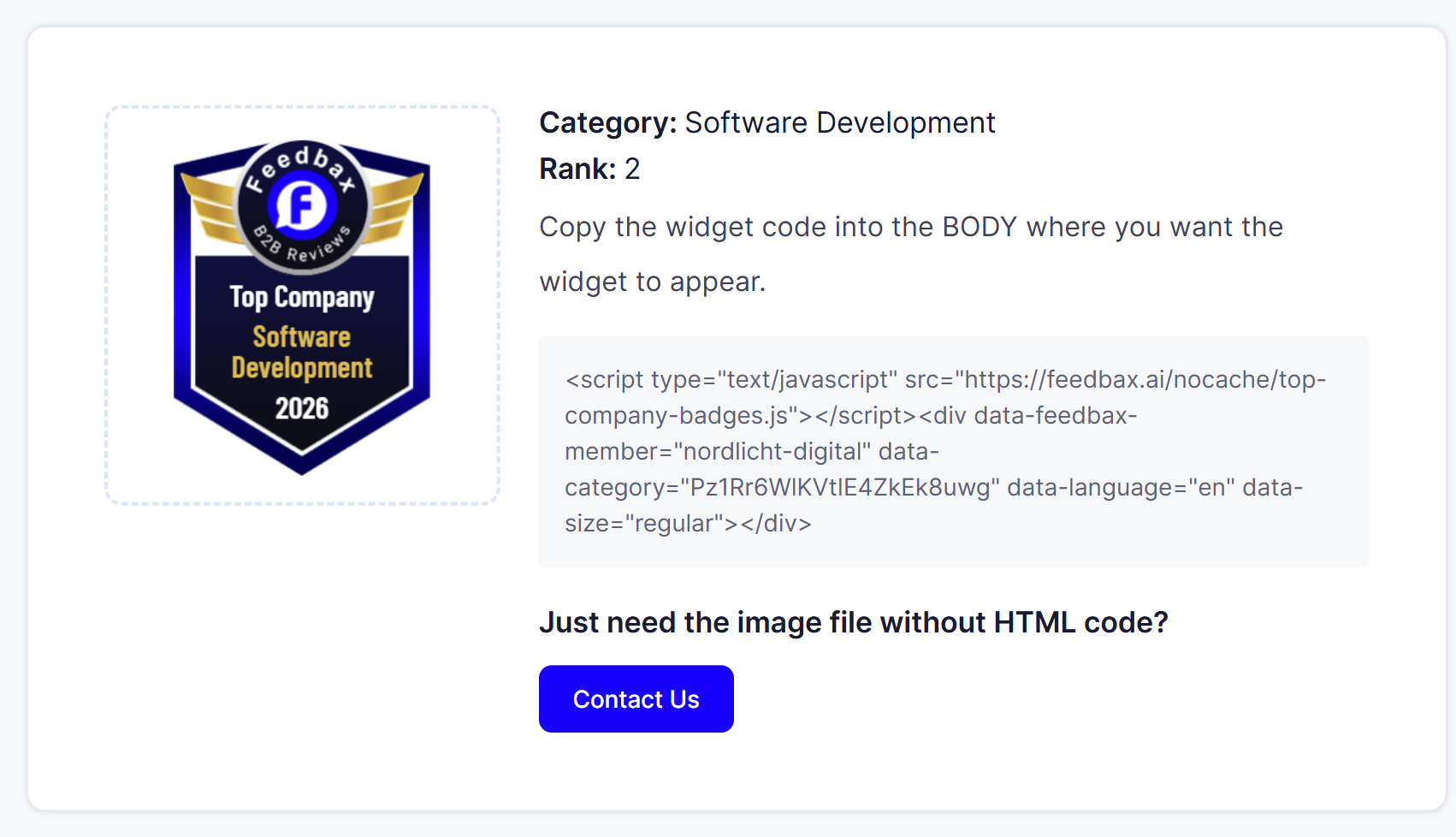
Category: the name of the directory.
Rank: your position in it. If it says "20+", you are outside the top 20 and the badge is not unlocked for that directory.
For unlocked badges also the preview and the embed code.
How to embed it
Open Marketing > Top Company Badges.
Find the card of the directory you want to show.
Click the grey code box, then Ctrl+C.
Paste the code into the body of your website where the badge should sit.
The code carries a data-category, and that is what ties the badge to a particular directory. So take the code from the right card, not just any one.
Only the image without code? Below the code there is the question "Do you only need the image file without the HTML code?" with a "Get in touch" button. That is how you request the badge as an image file.
A contradiction in the interface
Two places in the dashboard state what the top 20 is sorted by, and the two contradict each other: one says "Verified first", the other "Feedbax Score".
The correct one is Feedbax score, more precisely the score your profile has in exactly that directory. Go by that.
How to improve your chances
Work through the five conditions from the bottom up, because the first four are hurdles and only the fifth is a competition.
Check the percentage. The cheapest mistake. Under Profile > Services you spread 100 percent across your services. Spread evenly over eight services, each sits at 12.5 percent and just clears the hurdle. Spread over twelve, some fall below it. Fewer services with higher shares get you into more directories, not fewer.
Get the sixth review. If you are at five, one more review is the whole difference. The feedback badge on your website helps, see Embedding review widgets on your website.
Add a matching case study. Not just any: one assigned to the service of that directory. Case studies feed your delivery score most strongly anyway, so you win twice here.
Only then work on the score. Reviews, a complete profile, embedded widgets. What exactly counts is in How does ranking in the directories work?.
What you need
No subscription. The badge depends purely on your profile and your reviews.
Indirectly a plan still helps: from Business on, Trustpilot and ProvenExpert reviews count too, from Premium on additionally Clutch, DesignRush, GoodFirms and G2. That gets you past the six review threshold faster and lifts your directory score.
Frequently asked questions
Is being in the top 20 enough?
No. The top 20 is the last of five steps. Before it, share, publication including website, more than five reviews and a matching case study all have to be right.
Exactly how many reviews do I need?
More than five, so at least six.
Why is my badge unlocked in one directory but not another?
Because every condition is checked per directory. Share, matching case study and score all differ by directory.
What does "Rank: 20+" mean?
That you meet the four basic conditions but sit outside the best 20 of that directory.
But my case study fits the topic.
What counts is the assignment of the case study to the service or focus area of that directory, not the text. Check the assignment under Profile > Portfolio.
Can I show several badges at once?
Yes. Each badge stands for one directory, and each has its own code.
Can I get the badge as an image file?
Yes, through the "Get in touch" button below the code.
Does the badge earn score points?
No. The 100 points are for an embedded review widget, not for this badge.