

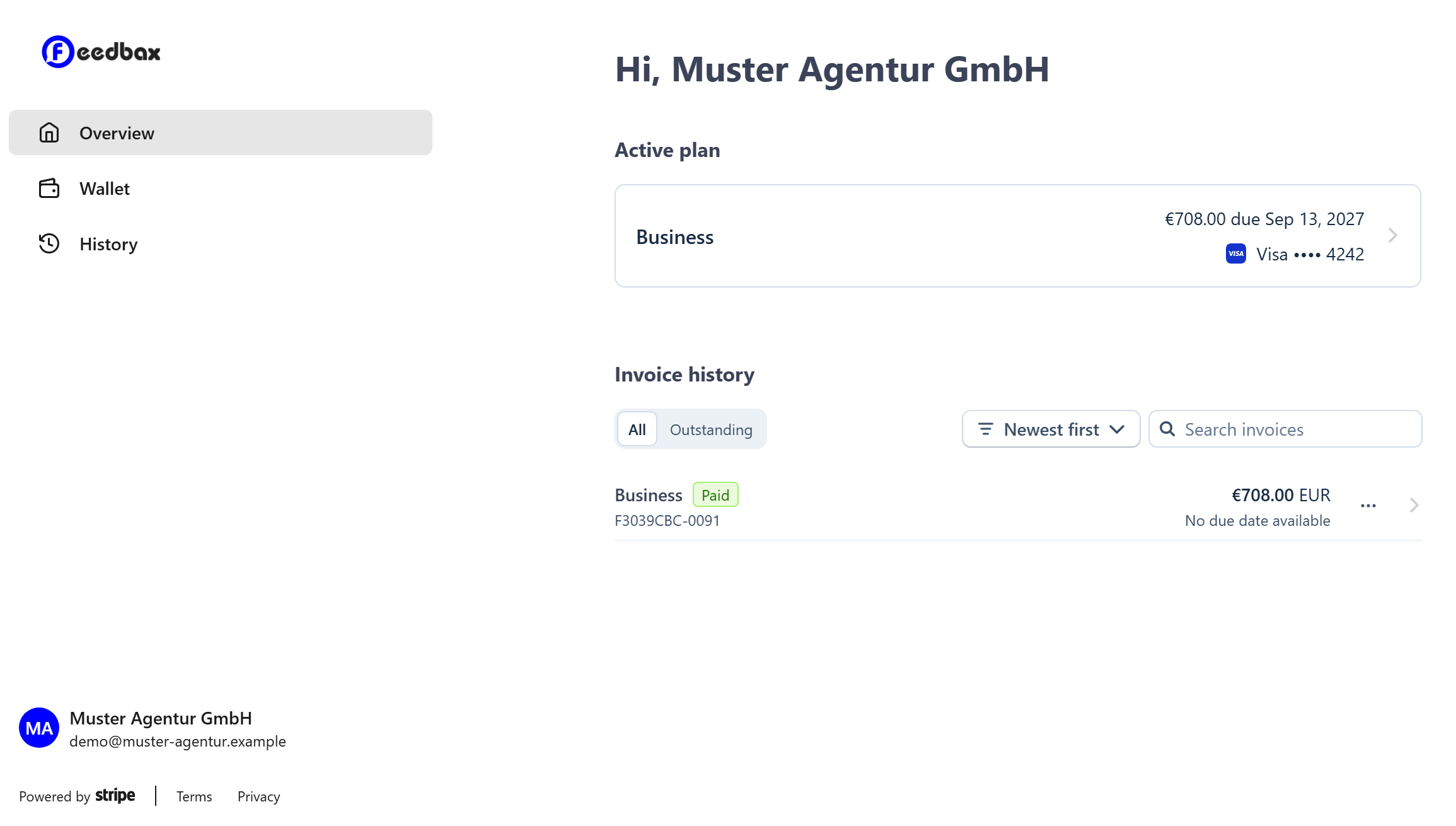
Switching or cancelling your subscription, downloading invoices, replacing your payment method: it all happens in the customer portal. It is run by Stripe, our payment provider, and opens in a new tab.
Where to find the portal
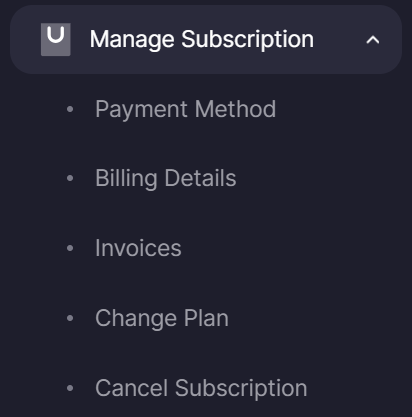
In the provider dashboard, in the left sidebar under Manage subscription. The entry expands into five items: Payment method, Billing details, Invoices, Change plan and Cancel subscription. All five open the same portal; they simply take you straight to the right place.
Who sees the entry
Only providers who have booked a subscription at some point. Whether it is currently running or has expired makes no difference: access to invoices and payment data stays either way. If you have never booked, you will find the way to the plan overview here instead.
What you can do there
Payment method: add, change or replace a credit card or SEPA direct debit.
Billing details: maintain your billing address, company name and VAT ID. These appear on every future invoice.
Invoices: view every past invoice and download each one as a PDF.
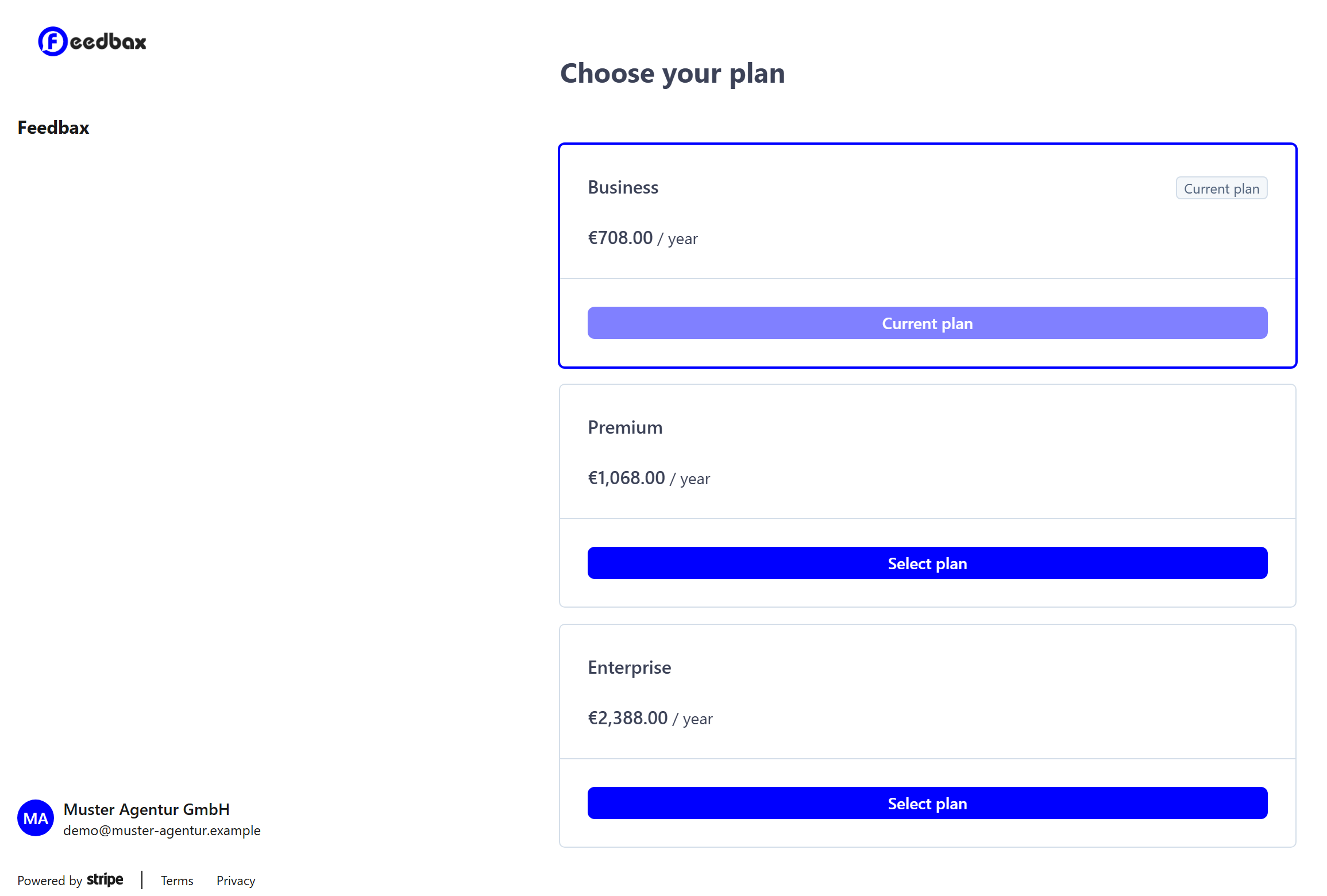
Change plan: move to a different plan. See What subscriptions does Feedbax offer? for the options.
Cancel subscription: end the running subscription. Details in Can I cancel my subscription on a monthly basis?
After a change
The portal belongs to Stripe, not to Feedbax. Your change is reported back to Feedbax all the same, so a plan switch takes effect without anything else from you. The return link at the top of the portal brings you back to the dashboard.
Cancelling does not end your plan straight away. It stays active until the end of the period you paid for; after that your profile continues free of charge on Starter.
Your card details are held by Stripe, not by us. Feedbax stores no card numbers.